




Home Architecture OnePlus Nord 4 Series Gets AI Writer Speak Summary Features via Toolkit...

OnePlus Nord 4 Series Gets AI Writer Speak Summary Features via Toolkit Here’s How to Activate These

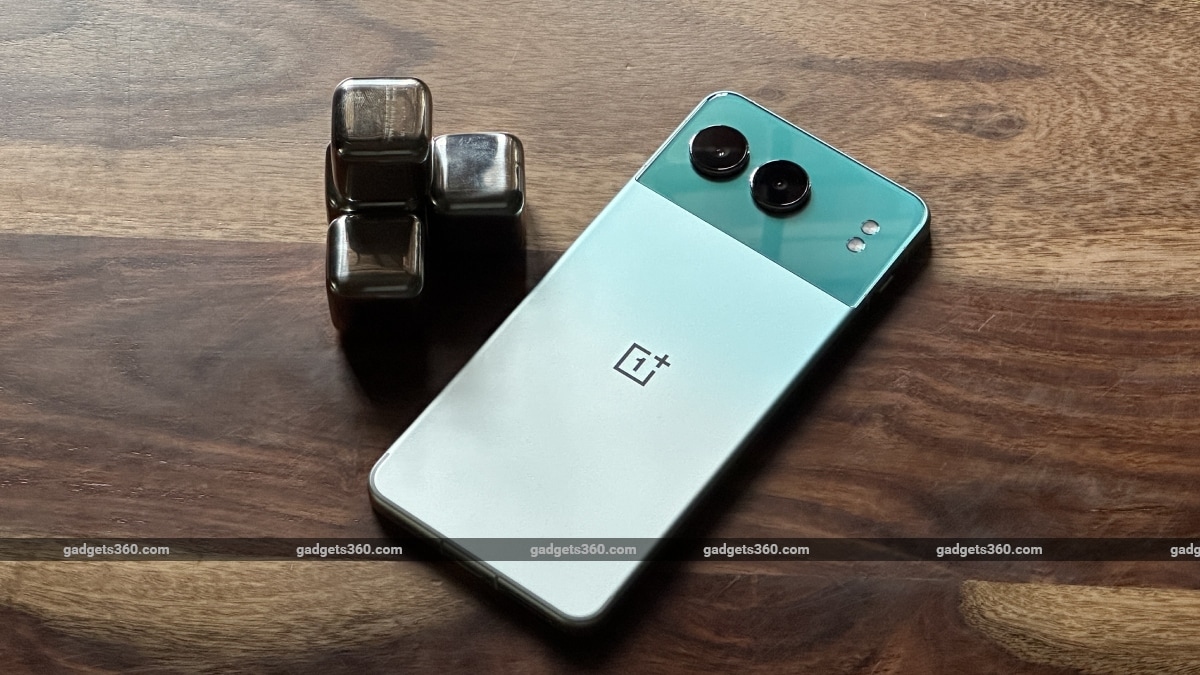
OnePlus Nord 4 And OnePlus Nord CE 4 Lite 5G got new artificial intelligence (AI) features on August 10. The company announced three new AI features for these smartphones, which are being added to the smartphone through AI Toolkit. Even though this toolkit will be present in the sidebar, the features will only appear if their usage conditions are met. For example, the AI ​​Speak feature will only appear when a webpage is open that contains large amounts of text.

These AI features were expected to ship with the OnePlus Nord 4, which was launched in July. However, the AI ​​features were delayed and the company has finally released them for the smartphone. Apart from this, OnePlus Nord CE4 Lite 5G These features will also be available in, but only in India.

While only Indian users of the Nord CE 4 Lite will be able to use the AI ​​features, Nord 4 users in India, Europe, Asia-Pacific, Middle East, Africa, South Asia, Russia, and Latin America will be able to use them.

Talking about the features, the first one is AI Speak, which is a text-to-speech (TTS) feature that can read out any page with a certain amount of text. It works in the browser as well as some apps with high text volume, but it may not work in some social media apps. Users can choose between male and female voices, replay a part, skip sentences and even adjust the playback speed through the bottom sheet that appears on the screen.

The second feature is AI Summary. As we have seen with Google and Samsung, this feature generates a summary of a large document or webpage. OnePlus allows users to copy, share or store the generated summary in the Notes app. It can also be stored in a file doc.

The last AI feature is AI Writer. It is an AI-powered text-generating tool that can write essays, emails, text messages, reviews, and even stories. This feature will be active inside the text field. There is an option to control the tone of the generated text. Apart from this, users can also generate text based on on-screen pictures.

To use these features, users will first have to enable screen recognition. Settings , Accessibility & Convenience This can be done by visiting.


RELATED ARTICLES

Solar Eclipse on August 2: The world will go dark for 6 minutes— a sight you won’t see again for 100 years

What’s causing the extended darkness? So, what makes this eclipse so unusually long? A couple of rare things are...

BSNL 365 Days Validity Plan Offers Daily 3GB Data Unlimited Calling Other Benefits

Government-owned telecom company BSNL offers many plans with a validity of one year. If you are looking for a prepaid plan with a validity...

LEAVE A REPLY

Please enter your comment!
Please enter your name here

- Advertisment -

Most Popular

Solar Eclipse on August 2: The world will go dark for 6 minutes— a sight you won’t see again for 100 years

What’s causing the extended darkness? So, what makes this eclipse so unusually long? A couple of rare things are...

BSNL 365 Days Validity Plan Offers Daily 3GB Data Unlimited Calling Other Benefits

Government-owned telecom company BSNL offers many plans with a validity of one year. If you are looking for a prepaid plan with a validity...

Vivo T3 Ultra Microsite live on Flipkart Revealed Specifications Design

Vivo is going to launch Vivo T3 Ultra in the Indian market in September. Before the launch, the Ultra model has been spotted on...

Recent Comments